
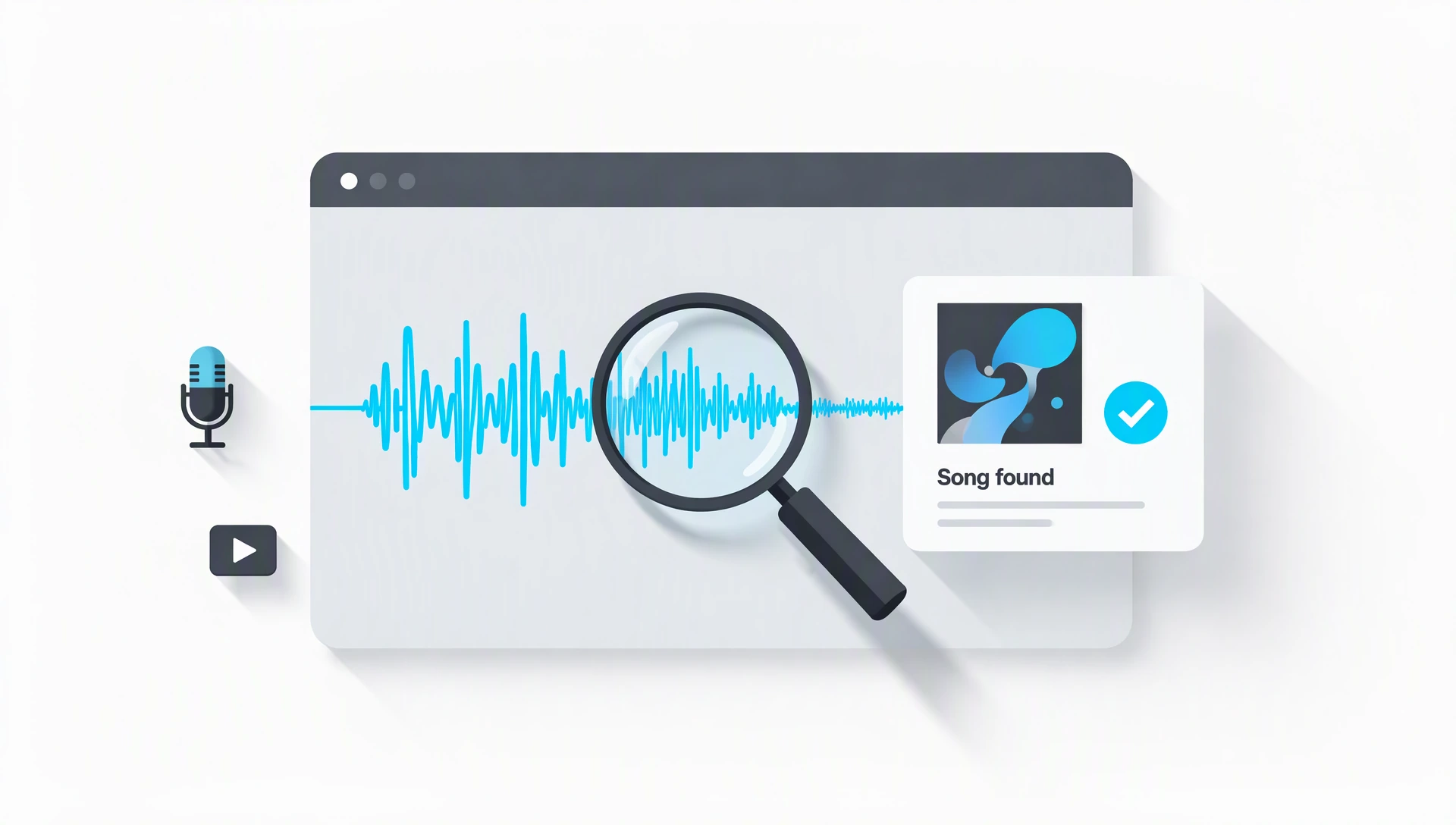
How to find a song without knowing its name
The most useful question is not “Which tool is best?” It is “What do I actually have?” Audio recognition needs sound. A lyric search needs words. A melody-only memory needs a service that explicitly supports humming. Choosing the right route saves more time than repeatedly submitting the same unsuitable clue.
Use a song recognizer with a clear section of the original recording.
Try a supported media link, or prepare an audio sample from a file you are allowed to use.
Search a distinctive lyric phrase, then listen to the likely matches.
Choose a humming-enabled service. Ordinary recording recognition may not match a sung imitation.
For an audio-based starting point, open Music Identifier. Its interface offers file upload, media-link and microphone options. Select the option that fits your clue and follow the current instructions; supported sources and recognition availability can change.
Find a song from a file or a microphone recording
If you already have a file, keep an untouched copy before editing. Start with a section where the music is clearly audible: a vocal phrase, a chorus or an instrumental passage with a distinctive rhythm is usually more useful than silence, applause or an announcer talking over the track.
- Choose a useful passage. Roughly 10–20 seconds is a practical starting point, not a universal requirement. Follow the recognizer’s own duration and file limits.
- Submit the original sound first. Avoid changing pitch, speed or tonal balance before you know whether a clean original sample will work.
- Review the result. Treat the returned title and artist as a candidate to listen to, not automatic proof.
For a microphone sample, allow microphone access only when you need it. Move closer to the music source, avoid talking during the recording and keep the sound at a comfortable level. A recognizer cannot recover a melody that is buried under louder conversation.
Sound Booster can make quiet playback easier to hear. It does not identify songs, and turning up the volume does not guarantee a better match.
Identify music from a video, Reel or short clip
Before processing audio, check the video description, the visible sound label and any pinned comments. The creator may already have named the track. A sound label can also point to an original upload, although labels are not always complete or accurate.
If a recognizer accepts the link, try that route first. A pasted URL is not guaranteed to work: a platform may require login, restrict access or use a format the service does not support. Do not bypass access controls to obtain a sample.
When you have a video file you are permitted to process, use Extract Audio from Video to separate the soundtrack. Then use the Audio Trimmer to keep the part with the clearest music. Work with that excerpt rather than a long file full of speech and scene changes.
Short videos often use sped-up versions, slowed edits, mashups or remixes. If the result sounds familiar but does not match the clip exactly, look for the named track’s alternate versions. The source song and the specific edit are two different things to identify.
Search by lyrics — or by a remembered melody
A short, unusual lyric phrase can be a better clue than a long line you are uncertain about. Put the words you remember accurately in quotation marks and add “lyrics.” If there is no useful result, remove the quotation marks and try another phrase; one misheard word can hide an otherwise obvious match.
Use extra details to narrow the search: the language, a rough decade, a male or female lead vocal, an instrument or where you heard it. Treat these as clues, not strict filters. An older song may appear in a new video, and a cover can sound very different from the original.
If you remember only the tune, use a service that explicitly offers humming or singing recognition. That is a different task from matching a recording’s audio fingerprint. Do not assume a standard microphone upload can recognize your hummed version.
What to do when recognition finds nothing
A failed attempt does not mean the song is impossible to identify. The passage may be too short, obscured by speech, heavily edited or absent from the recognizer’s catalog. Change one thing at a time so you can tell which step helped.
- Try a different passage. A later chorus may contain more useful musical detail than the opening.
- Remove irrelevant audio. Trim silence and speech where possible without cutting away the song itself.
- Prefer a cleaner source. A direct file is often a better clue than a speaker recording with room echo.
- Keep processing gentle. Aggressive noise reduction, heavy EQ and pitch changes can alter the features a recognizer needs.
- Try another recognition service. Catalogs and matching methods differ, so a second service may return a candidate the first one missed.
If you cannot hear a quiet file well enough to choose a section, use the Sound Booster volume tool for careful listening. Stop increasing gain if the sound becomes harsh or distorted. Making a sample louder cannot restore musical information missing from the recording.
Check the song, the artist and the version
Play a preview from a legitimate music source and compare the same phrase you heard in the clip. Check the melody, vocal, rhythm and arrangement rather than relying on the cover art alone. An instrumental version, live performance or remix may share a title while sounding different.
If a recognizer repeatedly names the same song but the clip has a different beat, the clip may sample that song or combine it with another recording. Search the title alongside “remix,” “live,” “cover” or “sped up” only when the sound gives you a reason to do so.
Once you confirm the match, save the title, artist and version together. Identification helps you find music; it does not grant permission to reuse the recording in a video, podcast or commercial project. Check the relevant license separately.
A quieter screen for a longer music search
Sometimes the audio clue sends you through interviews, album notes or long lyric discussions. If a bright screen feels distracting in a dim room, Dark Mode’s reading and focus tools offer a calmer way to read documents and keep notes. The site also describes an optional browser extension for darkening other pages.
Dark Mode is a reading aid, not a song recognizer. Use Music Identifier for the audio clue, Sound Booster when you need to inspect quiet playback, and Dark Mode when you want a more comfortable reading setup. Each tool has a different job; there is no need to install every extension or upload a file just to follow this guide.
Questions that come up along the way
Can I find a song from only a few seconds?
Sometimes. A short, distinctive passage may be enough, but there is no guaranteed minimum that works for every recording. If the first excerpt fails, try a longer or clearer passage within the tool’s limits.
Does a volume boost improve recognition?
Not reliably. Moderate gain may help you hear and choose a passage, but it does not separate speech from music or restore missing detail. Excessive gain can introduce clipping.
Can every video link be recognized?
No. Link support depends on the service, platform restrictions and whether the audio can be accessed. Use a permitted local file when a link is unsupported.
Will a recognizer find an unreleased or live song?
It may not. Recognition depends on catalog coverage and the similarity of the sample to a known recording. A live arrangement or unreleased track may require lyric research, set lists or help from the creator.
Is recognition the same as local audio editing?
No. Editing can happen in your browser, while recognition may send a sample to a matching service. Check the recognizer’s privacy policy before submitting sensitive recordings.
Start with the sound you have.
Choose a clear passage, try recognition, then listen to confirm the match. A useful clue beats a dozen random guesses.
Open Music Identifier ↗