

Add to Chrome
Video Downloader Pro logoInstalled extensionVideo Downloader Pro

Download the video. Make it work for you.

Video Downloader Pro saves the video. Sound Booster helps with what comes next: convert a file that will not play, make a quiet recording easier to hear, or keep just its audio. Start with your download and choose the tool you actually need.

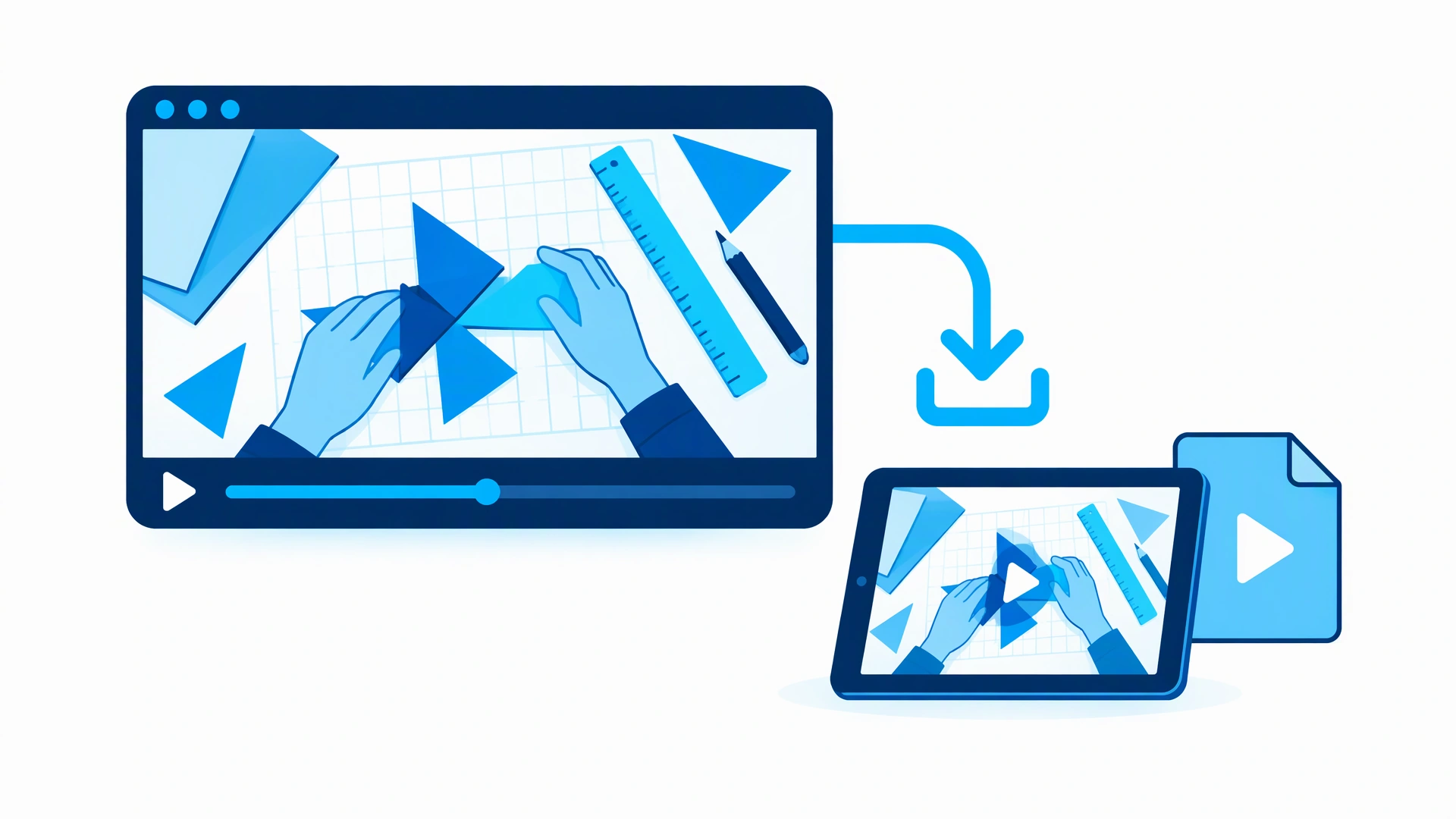
A creative paper-craft video tutorial is saved from a browser player to a tablet through a standard cyan download arrow.

What to do after downloading a video

Three everyday cases. Each one starts with a file on your device.

1

A download that will not open

  1. Save a video you have permission to download with Video Downloader Pro.
  2. If your player does not support the format, open Video Converter and choose the saved file.
  3. Convert to a compatible format, then test the new copy in your player.

Good for: downloaded WEBM clips, MOV files and recordings that need MP4.
2

A lecture that is too quiet

  1. Save the lecture or tutorial to your device.
  2. Open the Sound Booster file tool and add the downloaded video.
  3. Try a gentle boost, compare with the original, then download the louder copy.

Good for: quiet interviews, online lessons and low-volume recordings.

3

Just the audio from a video

  1. Download a clip you are allowed to save.
  2. Open Extract Audio from Video and select the saved file.
  3. Save its audio for listening without the picture.

Good for: talks, your own recordings and listening on the go.

Works together

Saved the video? Get it ready to play.

Video Downloader Pro handles saving. Video Converter handles the format. Sound Booster handles quiet audio. They are separate tools: choose the downloaded file in the tool you need — nothing is transferred automatically.

  • Convert a saved clip to a format your player supports
  • Preview and boost a quiet video before saving a new copy
  • Extract audio when you only need to listen

For downloaded files, use the Sound Booster website. The extension changes live tab volume; it does not rewrite a saved file.

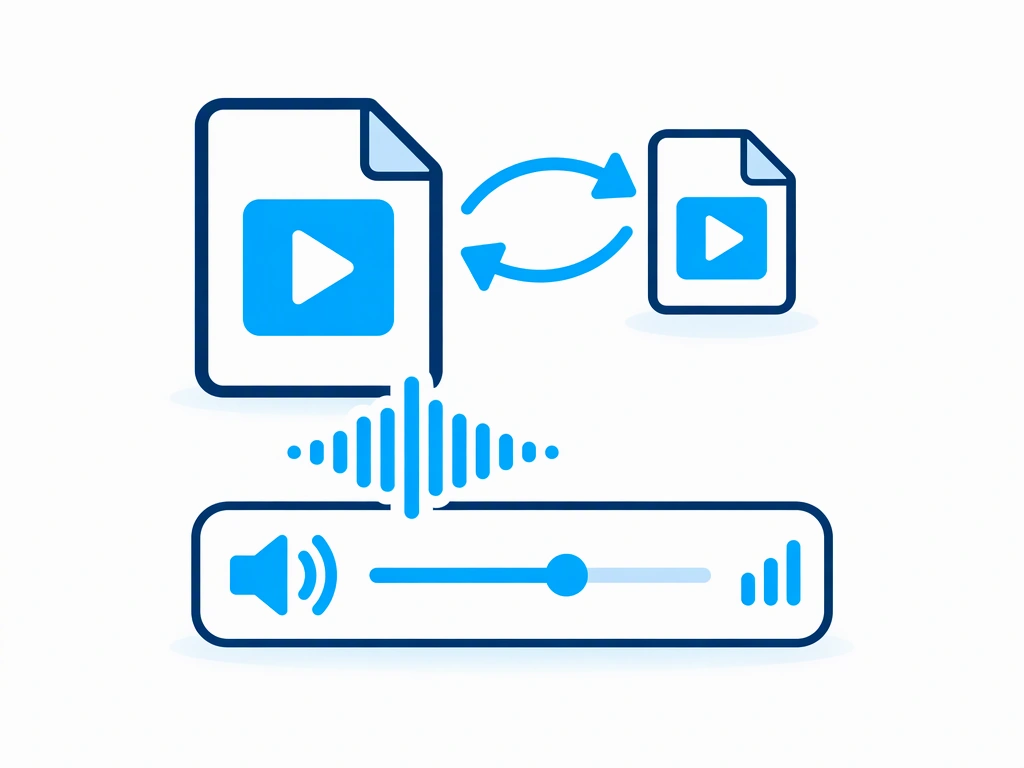
Two video files joined by conversion arrows above a cyan waveform and a volume slider.

Start with your first download

0 of 4 done

  1. Pin Video Downloader Pro

    Open Chrome’s extensions menu using the puzzle icon, then pin Video Downloader Pro so it is easy to find.

  2. Save your first video

    Open a video you have permission to download. Use Video Downloader Pro to save an available video, then find the file in your Downloads folder. Availability depends on the site and the extension.

  3. Convert only if you need to

    If the saved file will not play where you need it, open Video Converter. Select the file, choose a suitable output format and save the converted copy. If it already plays, skip conversion.

  4. Make a quiet download easier to hear

    Drop a supported video into the Sound Booster website. Start with a small gain, preview the result and save a louder copy. The video export is WEBM; use Video Converter afterwards if you need MP4.

Keep going

The right next tool for your downloaded video.

Only download videos you own or have permission to save. Respect the website’s terms and the creator’s rights.