Works together
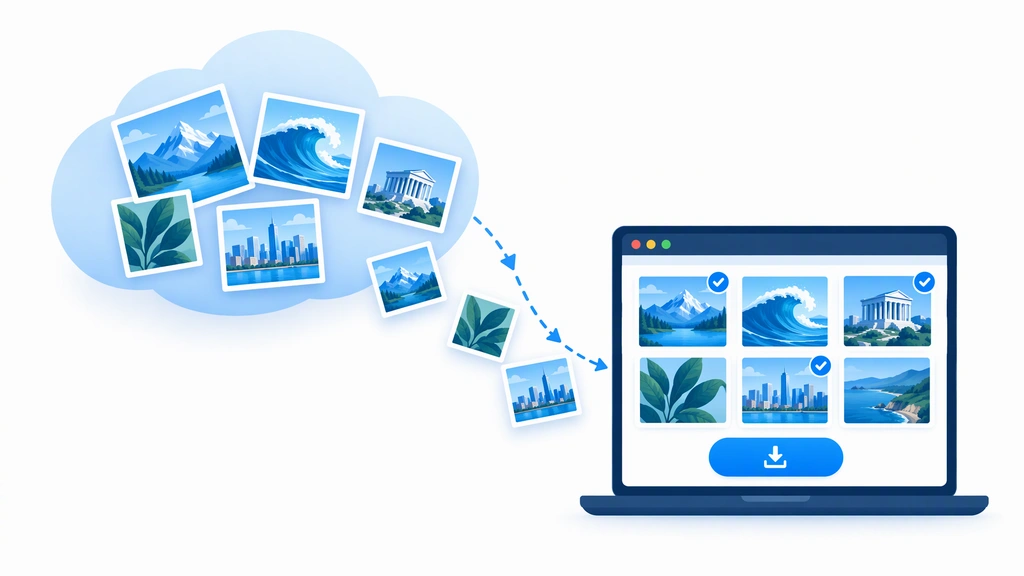
Got the picture? Choose how to use it.
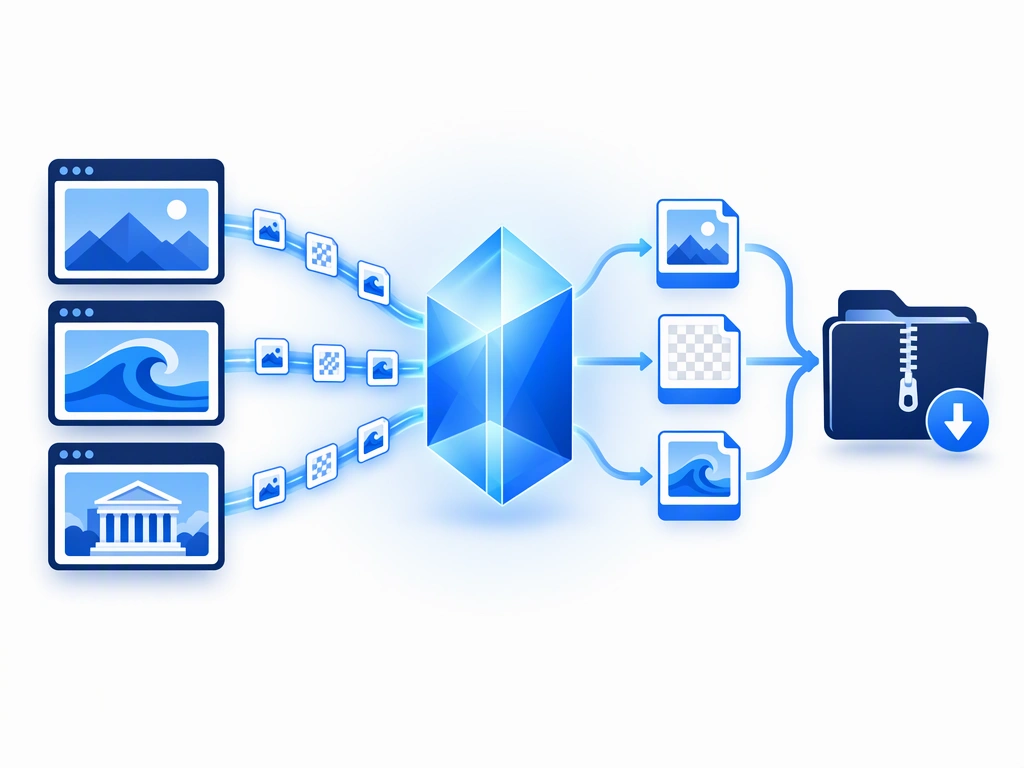
Image Downloader handles finding and saving. Image Converter, part of the Sound Booster website, handles file formats. They are separate tools: choose your downloaded images in the converter yourself — nothing is transferred automatically.
- Turn a supported WebP image into JPG for an app that needs it
- Keep existing transparency with PNG or WebP output
- Convert a batch locally and collect the results in a ZIP
Sound Booster’s audio extension does not edit pictures. For this workflow, use the Image Converter on the website. Images are processed locally in your browser.